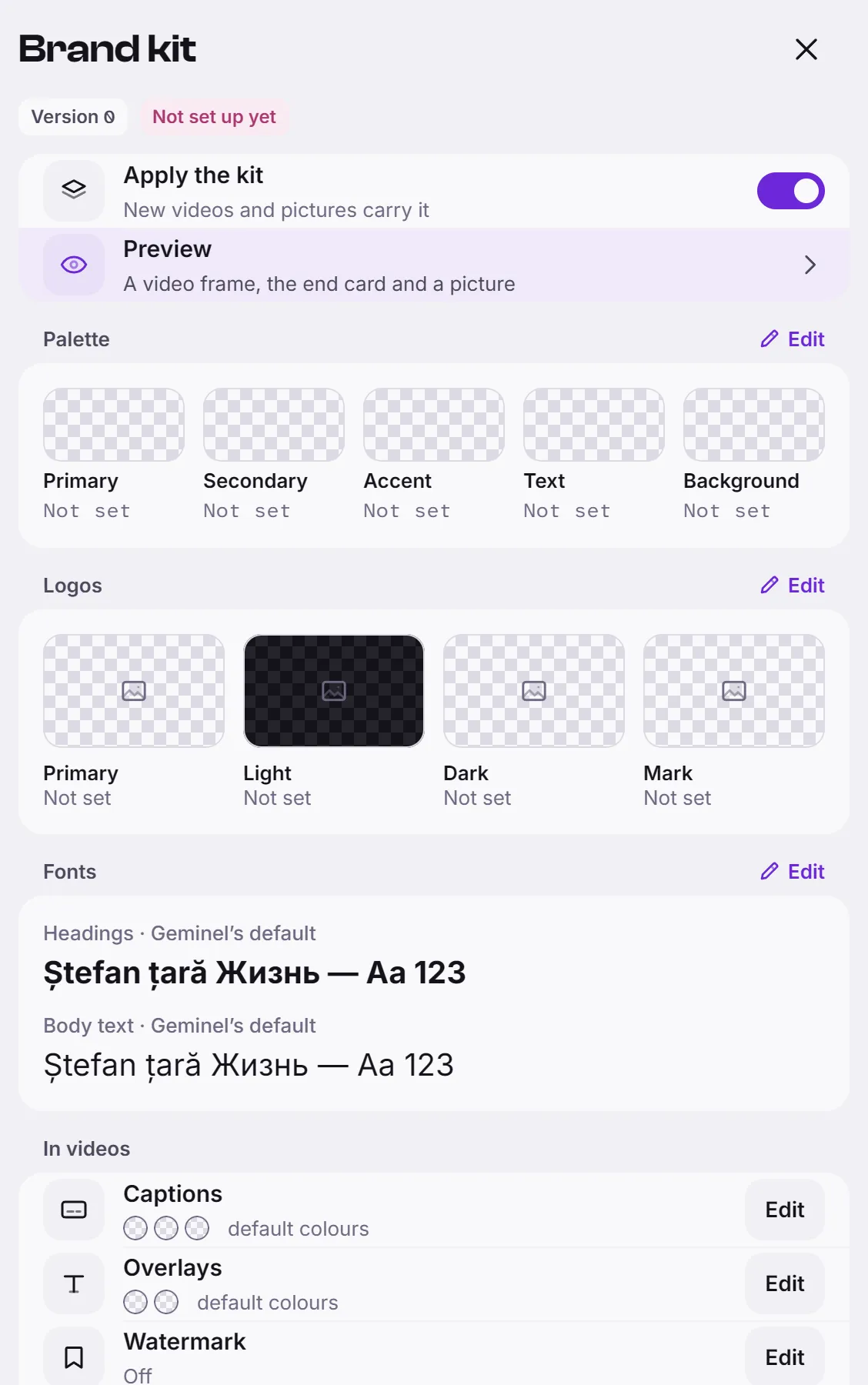
The brand kit is your visual identity: logos, colours, fonts and the look of captions, watermark and end card. Videos and branded pictures that Geminel makes use it, so they look like your brand.
Set up the kit
- Open the launcher, press Settings, then Brand kit.
- Next to a part, press Edit. Make your changes in the sheet and press Save.
- Check the result with Preview: a video frame, the end card and a picture.
The parts, in the order you will want them:
- Logos: four slots, Primary, Light, Dark and Mark. Primary is your main logo and the other slots fall back to it. Light is for dark backgrounds, Dark for light ones, and Mark is the symbol alone. Press Upload, or pick a picture from your library with the folder button, then Save. A PNG with a transparent background works best.
- Palette: Primary, Secondary, Accent, Text and Background. Press From logo to draw colours from a logo, then Use these colours, or type each colour yourself.
- Fonts: pick one for Headings and one for Body text.
- Captions: Text, Highlight and Plate colours, and Plate opacity.
- Overlays: Text and Plate colours for titles and calls to action.
- Watermark: turn on Show the watermark, then choose the Logo, Corner, Opacity and Size.
- End card: turn on Add an end card, then set the Logo, Headline, Call to action, Background and Length.
- Visual style and Music mood: a few plain words for the AI, such as "bright daylight, close-ups of hands at work" or "warm acoustic, no vocals".
Turn the kit on or off
The Apply the kit switch decides whether new videos and pictures carry the kit. When it is off, the screen says so and new work uses Geminel's own look. Videos made earlier keep the look they were made with.
Good to know
- Saving the kit is for the people who approve posts. If your role can only read it, the screen says so; ask a workspace owner.
- A kit that has not been set yet shows Not set up yet at the top.
- A change reaches new videos and pictures only. It does not change a video that is already made.
- Your tone, audience and wording are in the brand profile.
- If you don't see Brand kit in Settings, ask us with Help and feedback.