You connect an Instagram professional account so Geminel can publish to it and read its comments and messages. There are two ways, depending on whether the account is linked to a Facebook Page.
Connect without a Facebook Page
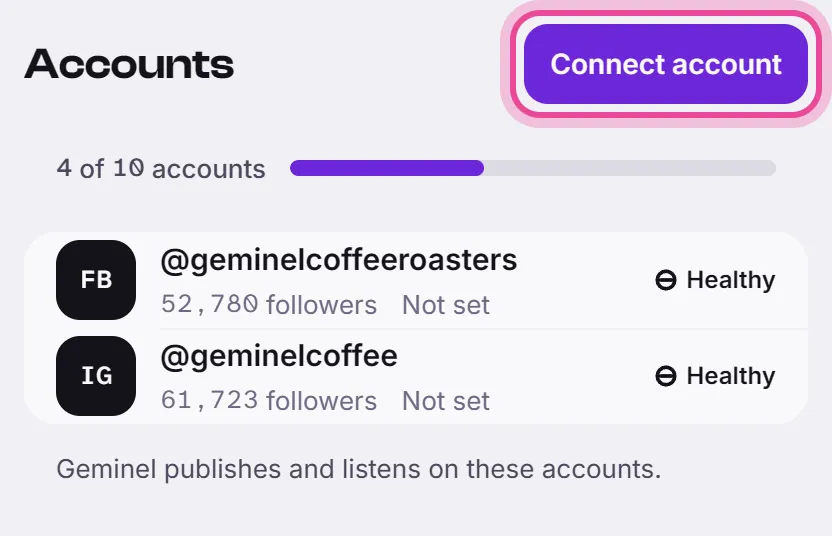
- Open the launcher and press Accounts, then Connect account.
- Find Instagram (own login, no Facebook page) and press Connect.
- Sign in with Instagram and approve what it asks for. You come back to Geminel.
- You see Connected 1 account. Open the account and set its Content language.
Connect through a linked Facebook Page
If the Instagram account is linked to a Facebook Page you manage, it comes with the Page.
- Open Accounts, press Connect account, then press Connect on Meta (Facebook & Instagram).
- Sign in with Facebook and approve what it asks for.
- On Add from Facebook & Instagram, the Network column tells Pages from Instagram accounts. Tick the Instagram account, and the Page if you want it too, then press Add accounts.
- Set the Content language of each new account.
Steps for the Facebook side are in Connect a Facebook Page.
What Geminel does on the account
Open the account to see What Geminel does here: Publishes posts, Answers comments and Answers messages, each marked Allowed or Not allowed. For publishing, it lists where posts can go on that account, such as Feed, Carousel, Reel and Story.
If the account shows Needs reconnect, or says permissions are missing, open it and press Reconnect.
Good to know
- Geminel connects Instagram professional accounts. On Add from Facebook & Instagram, an Instagram account linked to a Page shows as Business profile.
- The workspace owner can limit who may connect and disconnect accounts. If you are not allowed, ask the owner.
- A line at the top of Accounts shows how many accounts your workspace may connect. When it is full, Connect is off.
- If you don't see one of the two options in the list, ask us with Help and feedback.
- If the account's owner is not in your workspace, see Ask us for a link the account's owner can use.
- To choose which accounts a post goes to, see Choose where a post goes.